Workbook
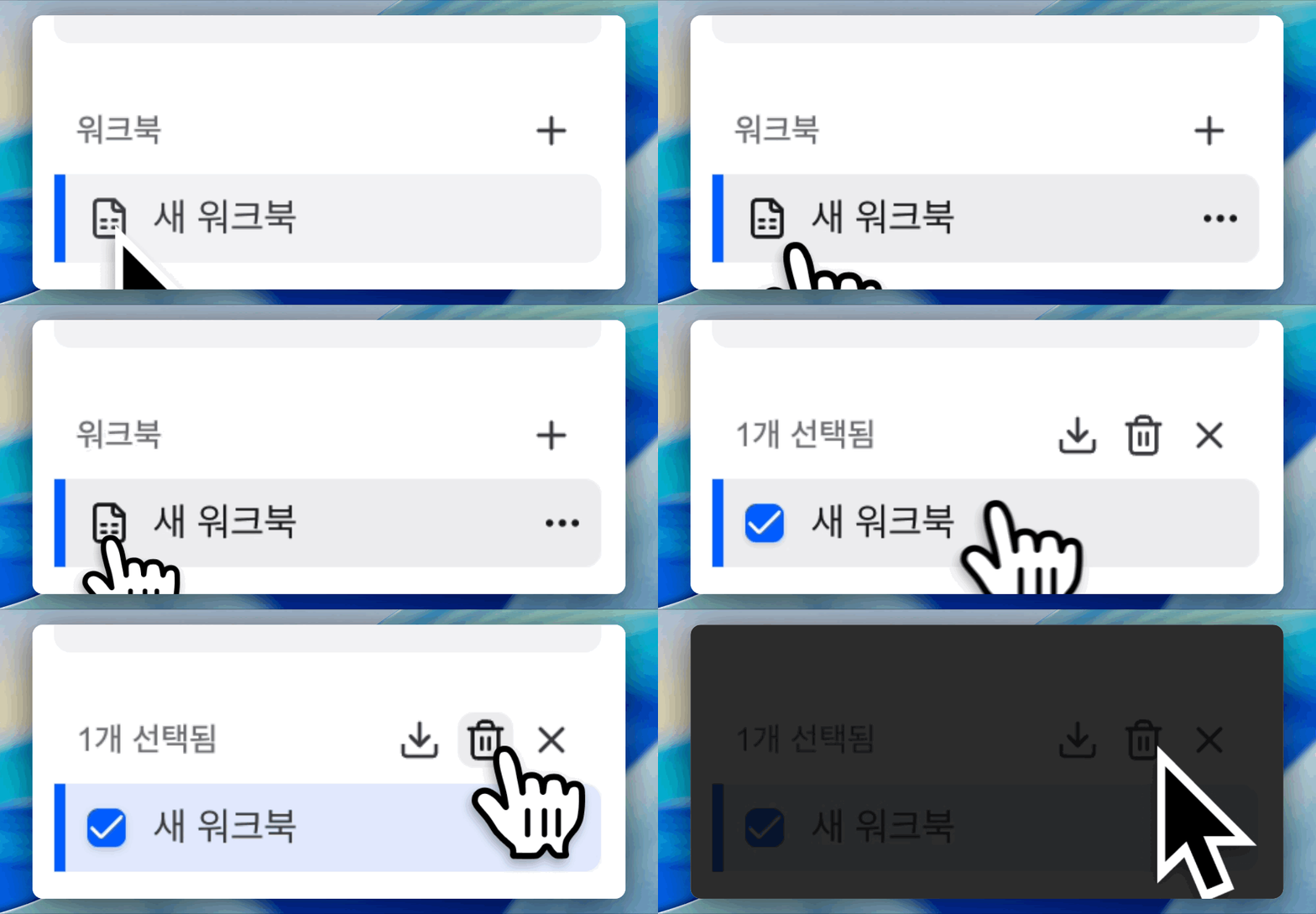
I want to delete a workbook.
Click Delete Workbook from the ... menu in the workbook list. You can also select multiple workbooks to delete them all at once. Deleted workbooks move to the trash, and you can restore them from Settings → Workspace → Trash within 30 days.
I want to edit keyboard shortcuts.
This feature is coming soon.
AI Agent
What file formats can I attach in the chat window?
The following formats are supported. You can drag files onto the input or use the attach button to select them.
| Type | Supported formats |
|---|---|
| Images | JPG, PNG, GIF, BMP, WebP |
| Documents | PDF, DOCX, DOC, HWP, HWPX |
| Spreadsheets | XLSX, XLSM, XLS, CSV |
| Text | TXT, JSON, Markdown, TSV, HTML |
How should I write prompts?
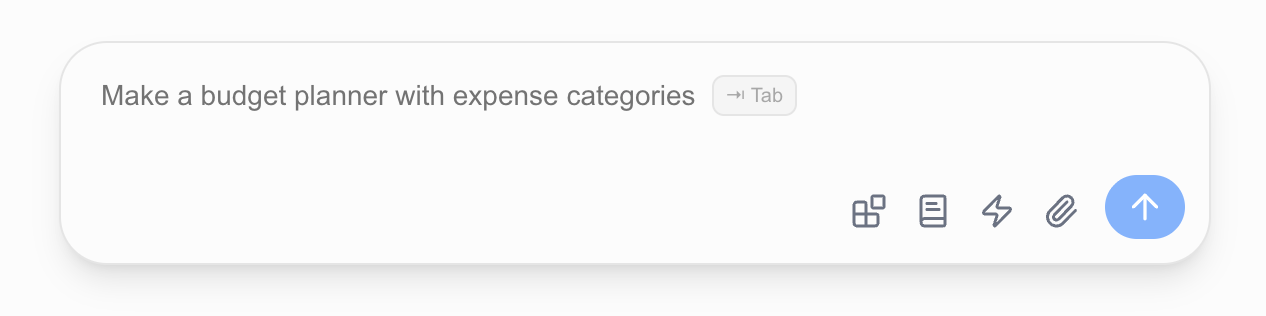
Type naturally, as if talking to a colleague. The more specifically you mention sheet names, column names, and conditions, the more accurate the results.
If a sheet name contains spaces, enter it exactly as it appears.
Is there a file size limit for attachments?
You can attach files up to 100MB per file.
I want to see my previous chat history.
Click the Chat List button at the top of the chat panel. You can view and delete previous conversations.

The agent incorrectly modified my data.
Undo with Ctrl+Z (Cmd+Z on Mac), then ask again with sheet names, column names, and conditions spelled out. The more specific the instruction, the more accurate the result.
I have too much data and the spreadsheet is slow.
For large, relational datasets (tens of thousands of rows or more), use Tables instead. A table is a SQL dataset stored in a workspace-specific database, separate from workbooks, and you can ask the agent in natural language to query, aggregate, or update it. See the Tables guide for details.
I want to repeat the same task automatically every week or month.
Use the Schedule feature. Schedule a workflow or a message to the agent on a recurring interval (e.g., every Monday morning), and it runs automatically on the server even when your browser is closed. See the Schedule guide for details.
Workflow
My workflow failed to execute.
Tell the agent “the workflow failed.” The agent will identify the cause and fix it.
My workflow stopped while running.
Modifying the workbook directly during workflow execution may interrupt it. Re-run the workflow or ask the agent to run it again.
Can I download and share workflows?
Yes. In the workflow settings, click Export to share a workflow with your workspace or make it public via a share code. Recipients enter the code under Import to add it. You can also save a workflow file with the Download button.
How many workflows can I create?
It depends on your subscription plan. Check your current plan’s limit on the Settings → Subscription page.