Connect everything from one spreadsheet.
No more tab-switching.
Seamless with Google Drive
No need to open Google Drive. Import and export files right from Gridie.
Integration with Google Sheets
Open sheets stored in Google Drive and export them back: no downloads, no conversions.
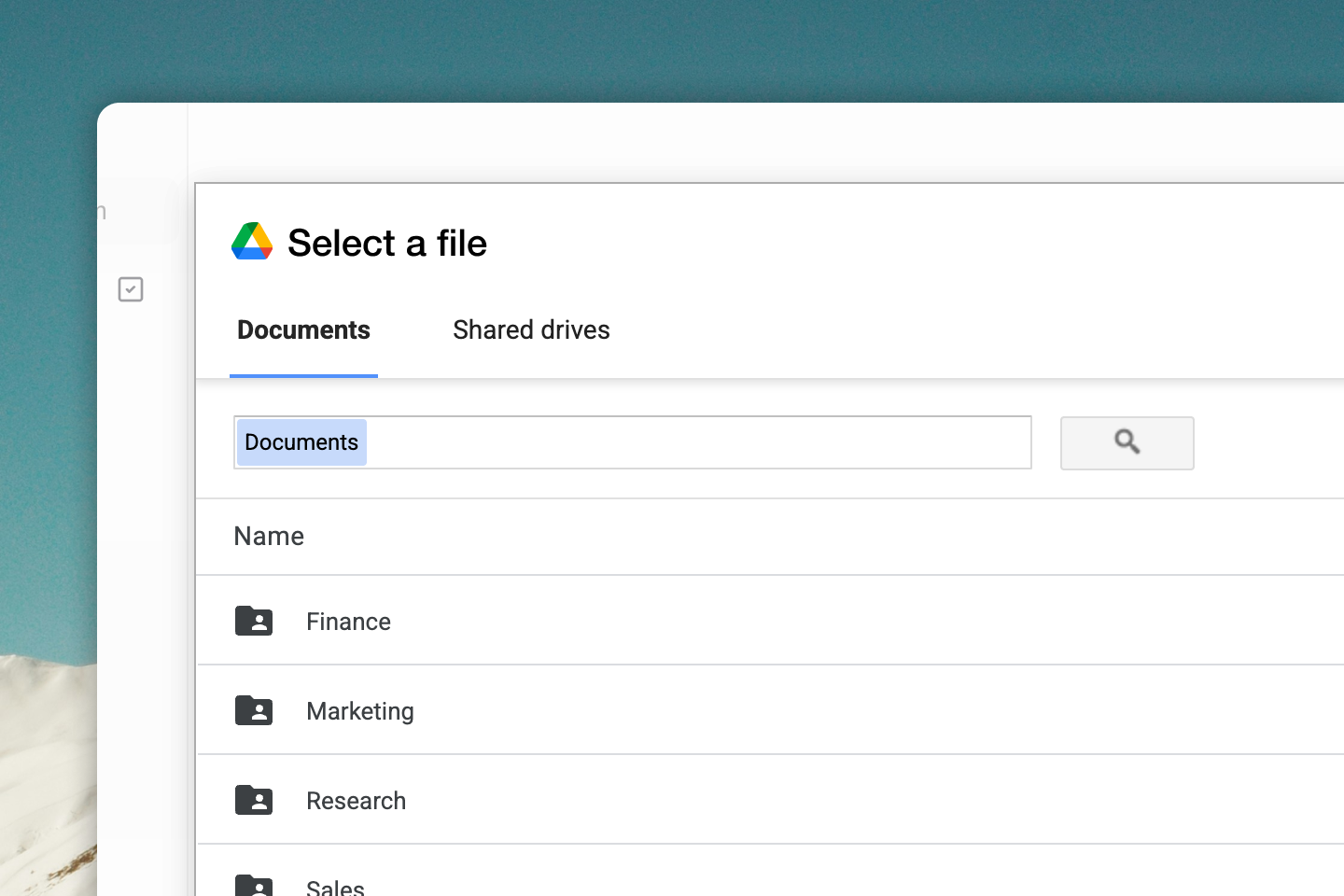
External data, right in your sheet.
The agent connects to external APIs, fetches the data you need, and fills it into your sheet. Just plug in the connectors you need.












Banking, tax, commerce, ERP, data warehouses — new connectors are added continuously.
Now connect to any MCP server.
Gridie supports the Model Context Protocol. Connect any MCP server and the agent uses its tools right inside your sheet.
Screenshot: Connecting an MCP server
Any MCP server
From public MCP servers to ones you build in-house — connect anything that speaks the standard protocol.
The agent just uses it
Tools from a connected MCP server are automatically recognized and called by the agent as part of its workflow.
Permissions stay yours
Connections and permissions are managed per workspace. Only the tools you want, for the people who need them.
Your agent sends emails too.
The agent drafts the email, you review and approve, then it sends. From analysis to delivery: one seamless flow.
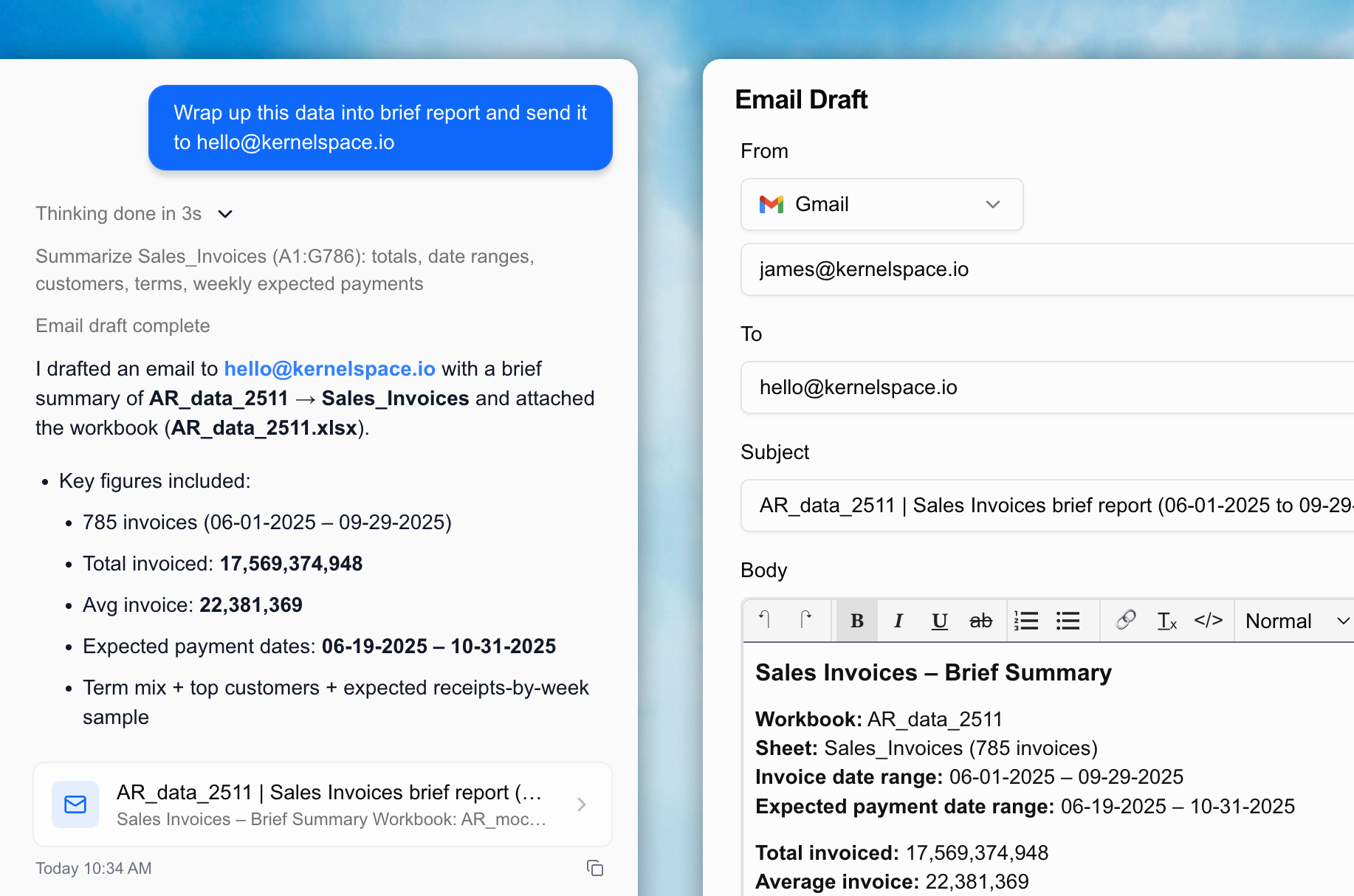
Draft, review, then send
The agent writes the email draft. You review and approve before it goes out. Nothing sends without your sign-off.
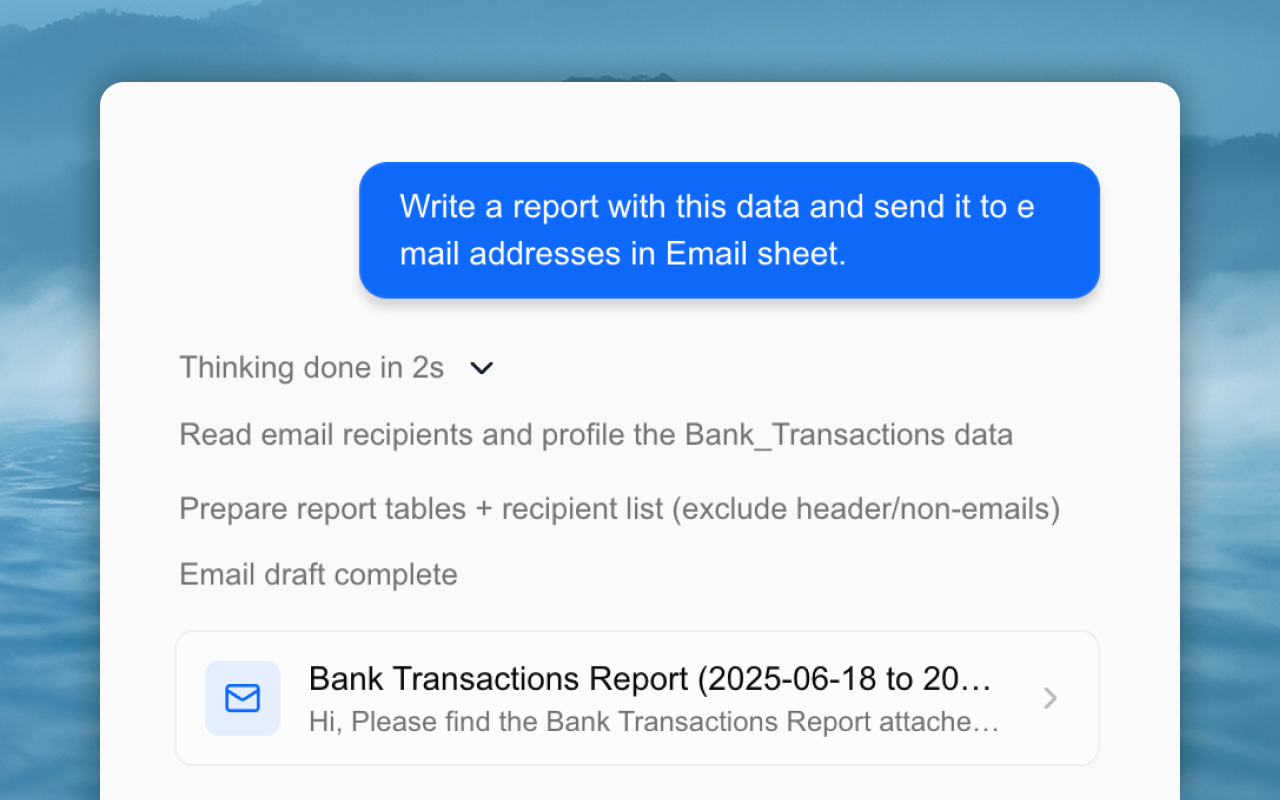
Send to many at once
Send bulk emails based on your sheet data. Personalized content is generated automatically for each recipient.
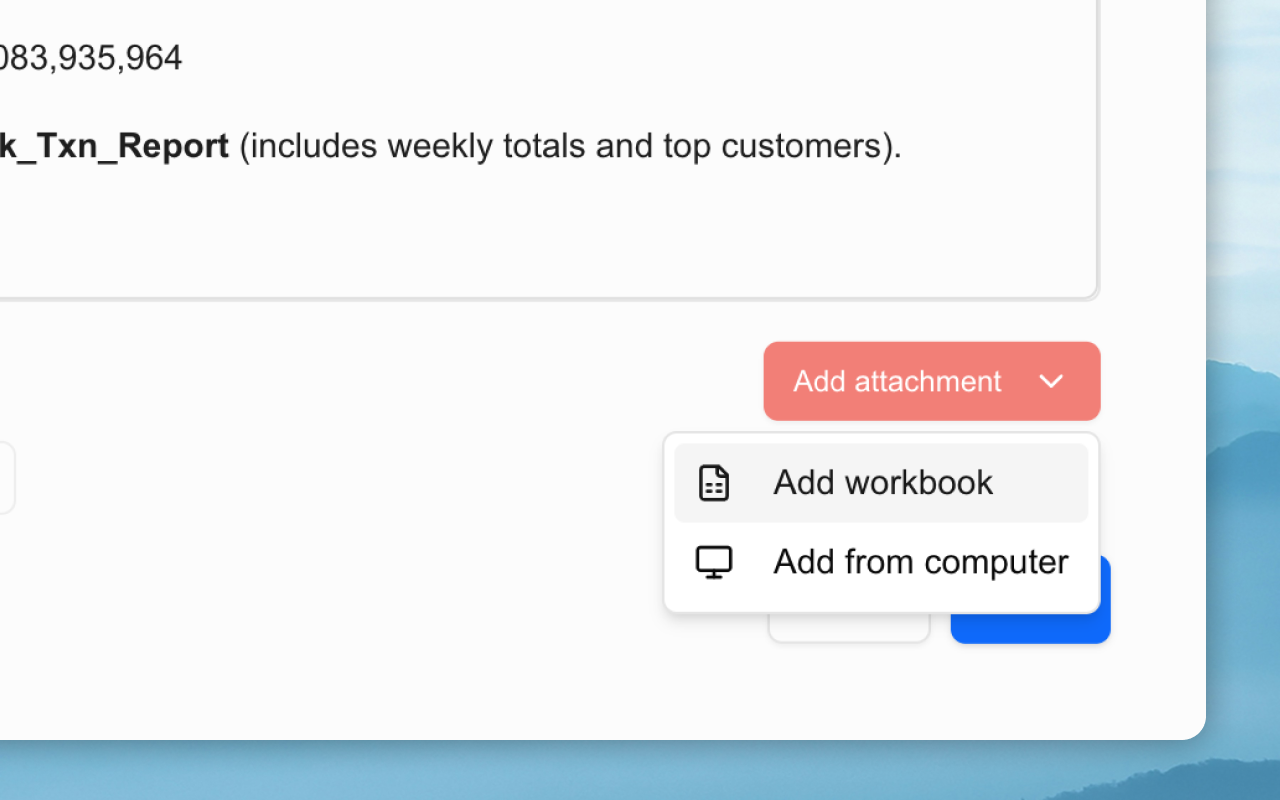
Attach your workbook
Attach your workbook as an Excel file to any email. Or just tell the agent: "Attach this file to the email."
Bring data in.
Send results out.
No more jumping between tools.
Gridie is all you need.